
Help
Classes
Enrolling Students in Classes
Once a student is created, they can be enrolled in classes.
Here’s how to do it:
- Navigate to Classes from the sidebar
- Select the class, then the Roster tab
- Click Enroll Students
- Select students from the list (or search by name)
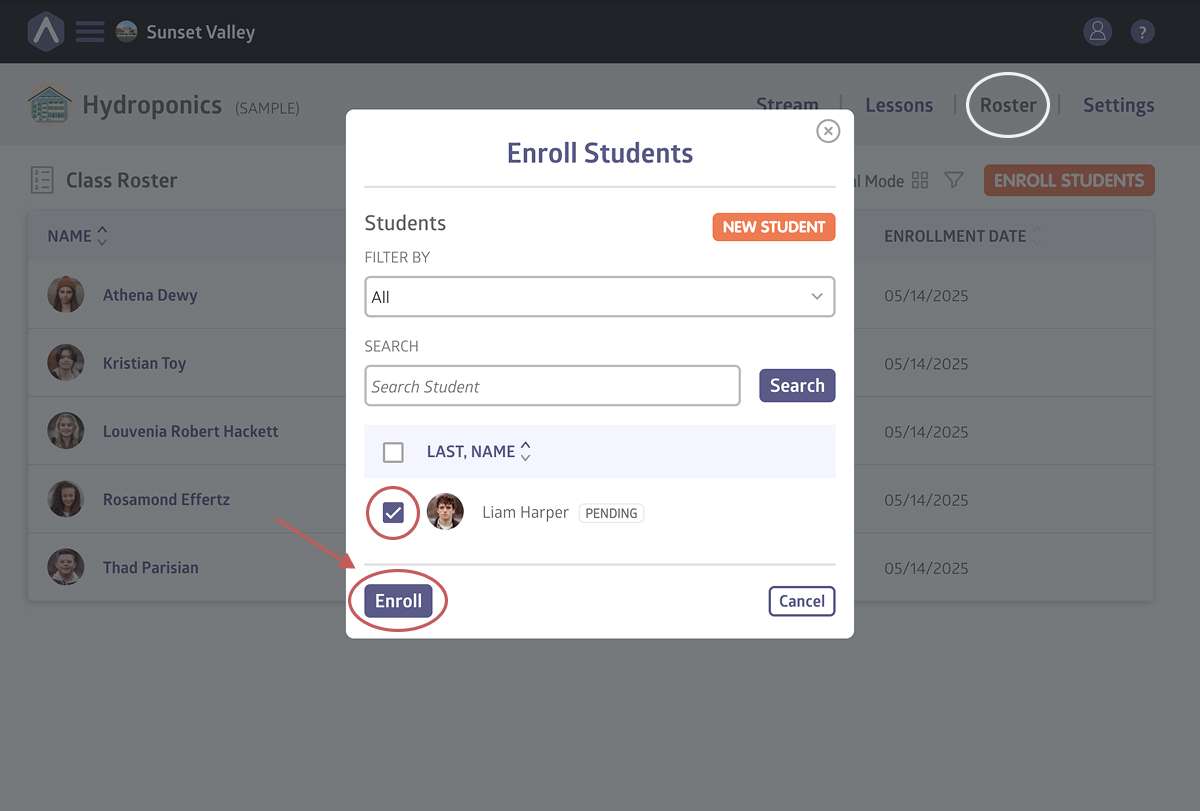
- Click New Student if needed
- Select Enroll
Still stuck? Shoot us an email and we’ll do our best to help.