
Help
Getting Started,School
Getting Your School Off the Ground – Structuring Your School
Once billing is configured, the next step is defining how your school operates internally.
Your school structure determines when and where learning happens. It is built using:
- Periods
- Sites and Rooms
Understanding these elements will make building classes much easier. When your school structure is configured correctly:
Classes are organized clearly
- Enrollment flows smoothly
- Reporting stays accurate
- Growth becomes manageable
Periods
A Period defines the timeframe for your curriculum, similar to a semester, term, or academic year.
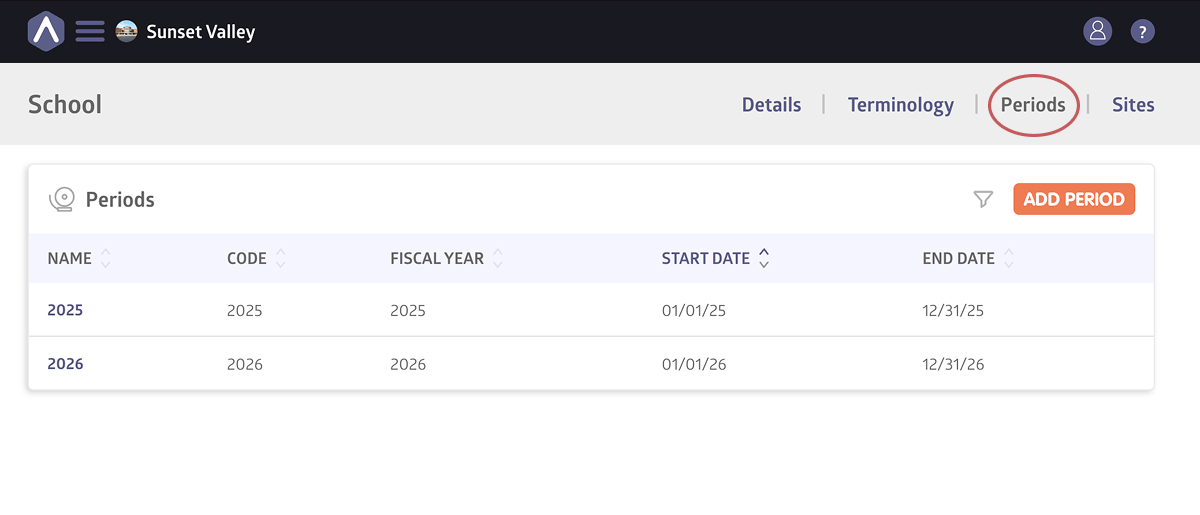
Periods help you:
- Organize classes by session
- Track enrollment within specific dates
- Maintain clean reporting
Most schools create periods before building out classes.
Click here for detailed instructions on creating periods.
Sites and Rooms
A Site represents a location where classes take place.
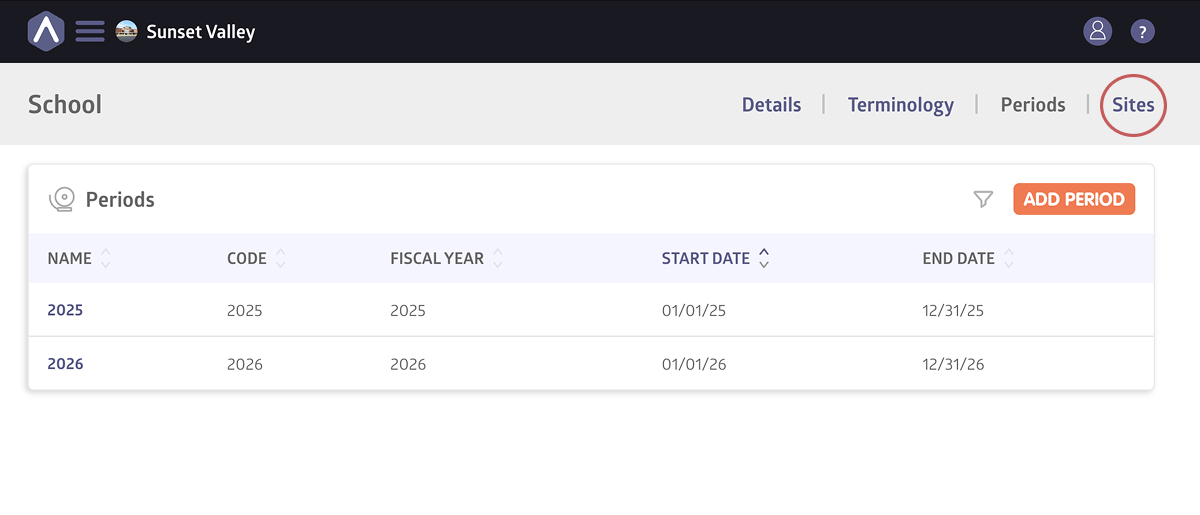
This can be:
- A physical campus
- A satellite location
- A fully online environment
Within each site, you can create Rooms. Rooms define the exact space where a class meets, for example:
- Building A → Room 3, or
- Online → Virtual Classroom
Sites and Rooms help you:
- Clearly indicate where classes occur
- Keep scheduling organized
- Filter reports by location
- Support multi-site or multi-room schools
A lot of schools only need one site, but schools operating across multiple spaces may benefit from defining both sites and rooms early.
You must create at least one site before adding rooms or scheduling classes.
Click here for detailed instructions on creating sites and rooms.
Still stuck? Shoot us an email and we’ll do our best to help.