
Help
School
Customizing Your School’s Terminology
A.school allows you to customize the terms your school uses to reflect your own terminology, traditions, and diversity.
Here’s how to do it:
- Open the sidebar and go to School, then select the Terminology tab. You’ll see the current singular and plural terms that appear throughout your school.
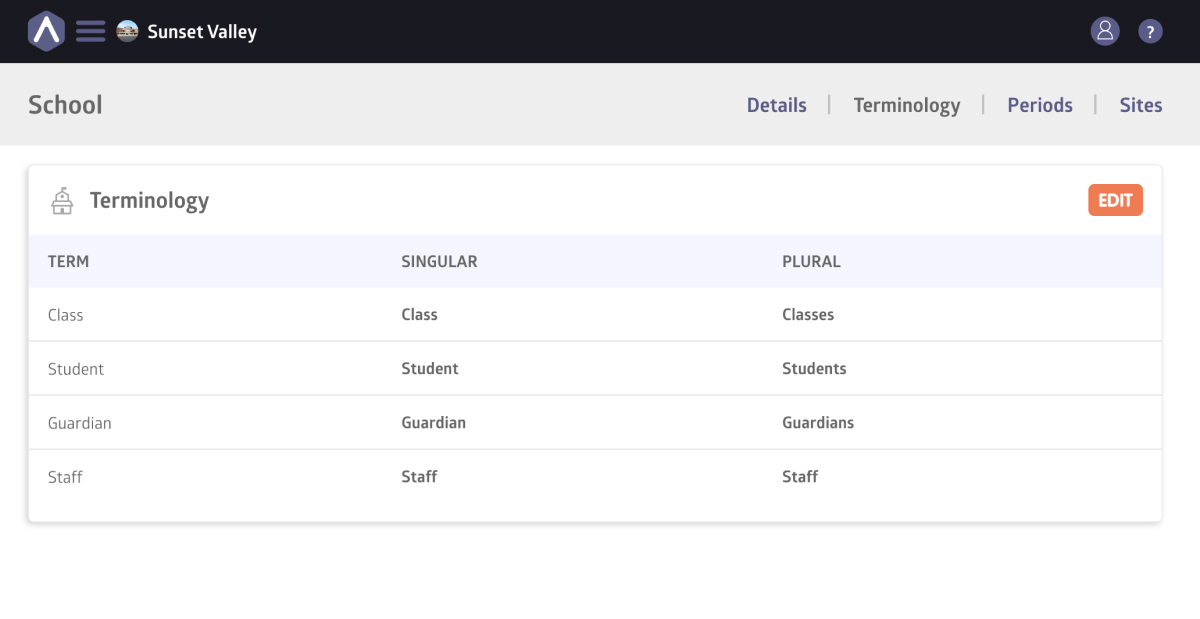
- Click Edit to make changes. Update the singular and plural versions of each term, and when you’re happy with the changes, click Save.
Once saved, your new terminology will be applied everywhere in your school’s interface, including menus, forms, tables, and messages.
Still stuck? Shoot us an email and we’ll do our best to help.