
Help
School
Enabling School Payouts
Before your school can receive payouts, you must complete two steps:
- Add your bank account details
- Verify your business information through Stripe
a.school uses Stripe as its secure payments partner to ensure fast, compliant, and reliable transactions. Stripe requires verification before funds can be deposited into your account.
Step 1: Add Your Bank Account
To enable payouts, you must first connect a valid bank account.
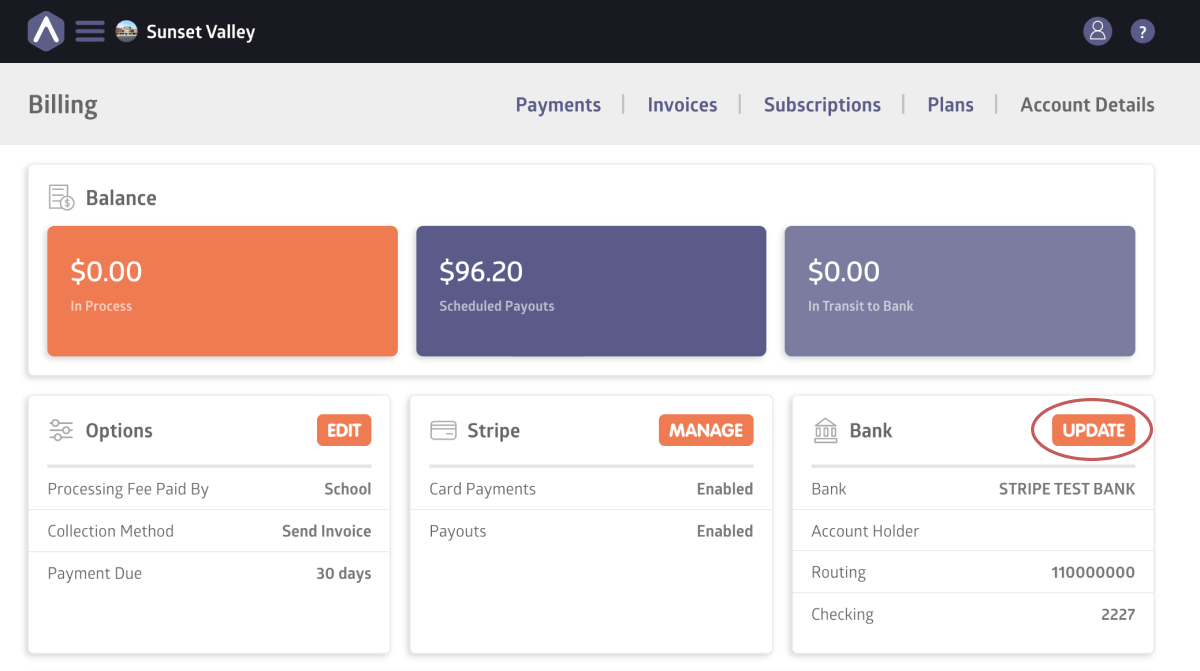
- Navigate to Billing from the sidebar navigation
- Open the Account Details tab
- Locate the Bank section
- Click Add
- Enter your banking information
Until a bank account is added, payouts will remain disabled.
Make sure your bank details are accurate to avoid delays in receiving funds.
Step 2: Complete Stripe Verification
Stripe requires business verification before activating payouts.
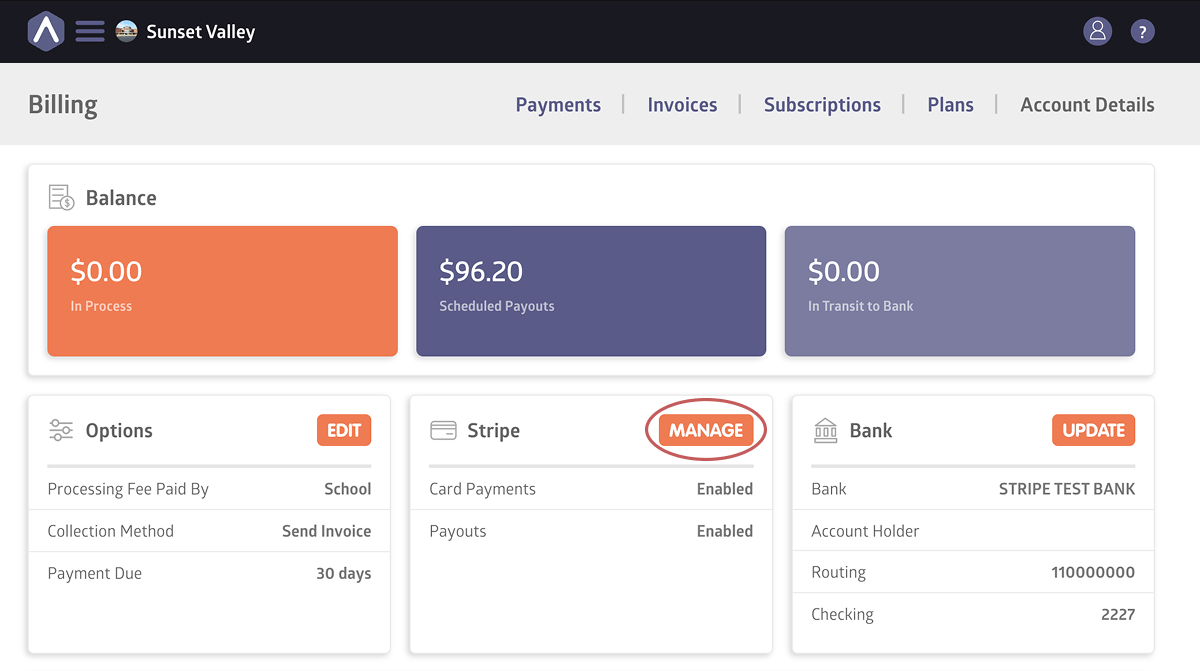
To begin:
- Navigate to Billing from the sidebar navigation
- Open the Account Details tab
- Locate the Stripe section
- Click Manage
You will be redirected to Stripe’s website to submit your business and identity information.
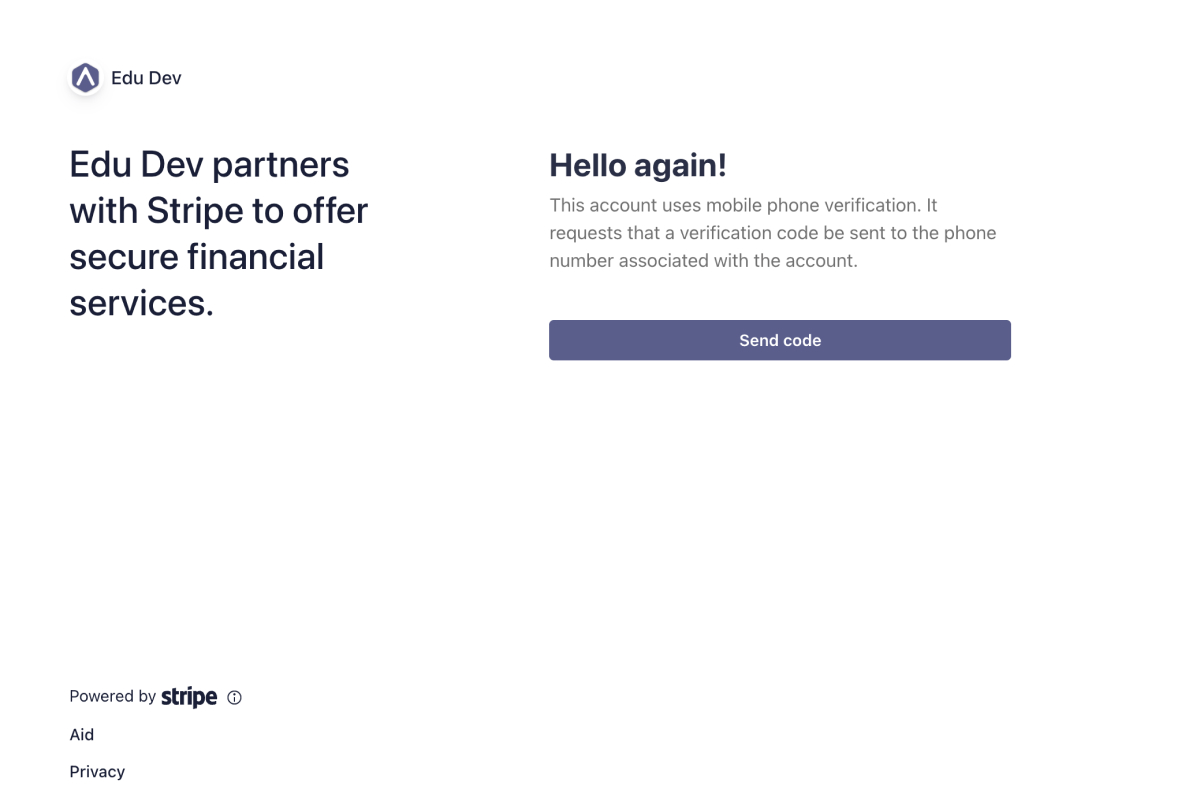
Stripe uses this process to:
- Confirm your business identity
- Prevent fraud
- Ensure funds are routed correctly
After submitting the required information, you will be redirected back to a.school. If anything is missing, the Billing page will display instructions on what needs to be updated.
Verification typically takes a few days. If it takes longer than expected, please contact support at hello@a.school.
When Are Payouts Enabled?
Payouts become active once:
- Your bank account is connected
- Stripe verification is approved
After both steps are complete, your school will be able to receive funds from processed payments.
Still stuck? Shoot us an email and we’ll do our best to help.